
Landing page
A page ready to publish, with your brand and your message. Pick one of five styles, preview it on laptop, tablet and phone, and download it complete.
- 5 styles
- Light and dark theme


Ovenfo Marketing turns your company information into landing pages, commercial videos and brochures with your brand, with no agencies and no waiting. Its AI agent helps you write them; plug it into your AI agents (Claude, ChatGPT, Copilot…).
Company: Nexus Yard
Style: Nexus
Message: "Your yard…"
Screens: real


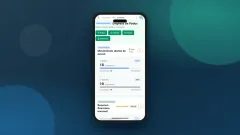

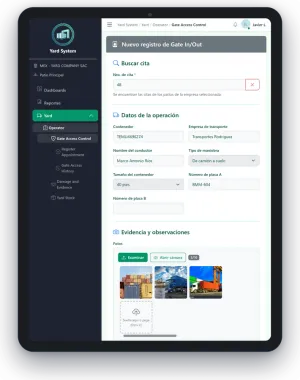
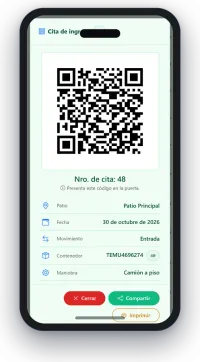
Real output of the Nexus Yard pilot: screens, mockups and texts exactly as generated.
Sheet 1 of 8
All your commercial material, with your brand and ready to use.
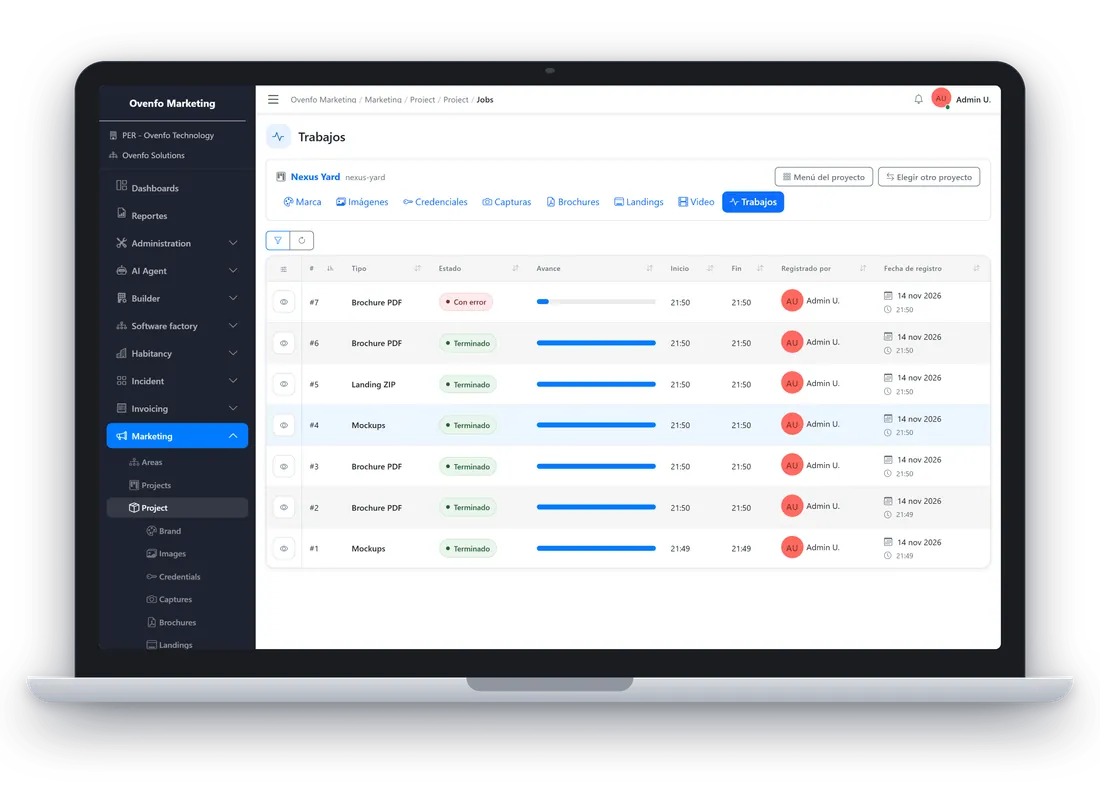
Demo data The interface is shown in Spanish.
Download brochure (PDF) · PDF, in Spanish, 0.9 MB
Sheet 2 of 8
Every piece comes from the same information, brand and screens. Update once and your landing page, brochure and video stay aligned.
A page ready to publish, with your brand and your message. Pick one of five styles, preview it on laptop, tablet and phone, and download it complete.
A PDF with your brand, your real screens and your text, ready to send. The pilot came out as 12 pages: cover, one per feature, results and contact.
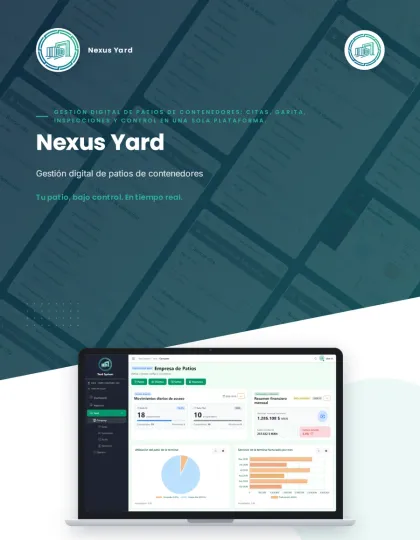
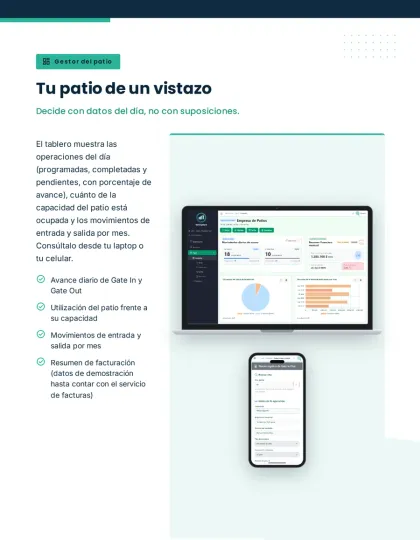
A six-scene, 10-second script, with the directions of each scene to generate it in Google Flow or Veo. Every scene starts from a real screenshot of your product.

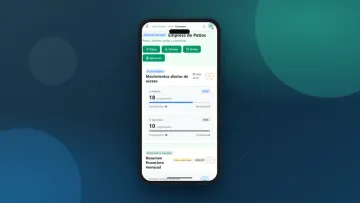


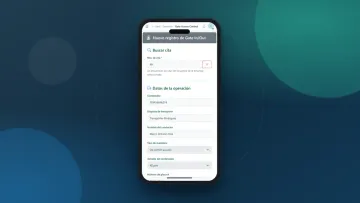
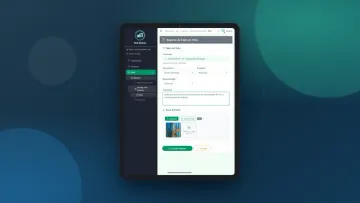
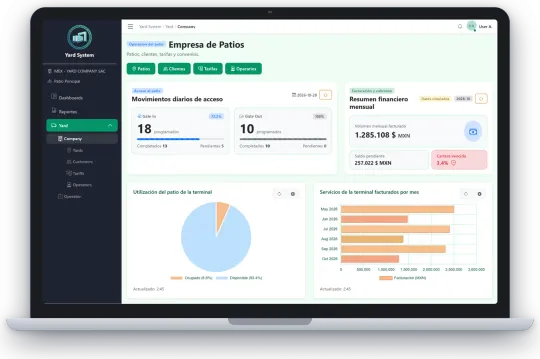
Your product on a laptop, tablet and phone, with or without background, for proposals, social media and sales presentations.
Sheet 3 of 8
Each step leaves something saved that the next one uses.
With the brand, logo and images of your product. One project per product.
An automated browser signs in to your product with the credentials you stored and takes the real screenshots. What you see is your interface.
Each screenshot goes into its device and the composition with all devices is generated.
The texts are drafted with AI from your product documentation. You review and correct them before generating.
The PDF brochure or the complete landing page is generated and stored for download. What already exists is not generated twice.
Sheet 4 of 8
Nexus Yard is the Ovenfo container-yard system, delivered to customers under their own brand. All the material on this page came out of that pilot, with untouched screens.
The pilot produced:

Sheet 5 of 8
Like every Ovenfo product, Marketing has the Ovenfo AI Agent inside the application: it proposes the text of each field (description, landing page title…) and loads it when you approve. You can also plug it into your AI agents (Claude, ChatGPT, Copilot…) so they write and save the content of your materials.
Your agent proposes; you approve each text before it is loaded.
What is next. Not available yet.
Sheet 6 of 8
A project with the brand and images of your product, and access to that product to capture its screens. The rest (presentations, brochure, landing page and video) is generated by the service.
AI drafts it from your product documentation and you review it. The Ovenfo AI Agent, inside the application, proposes text for each field and you decide whether to load it. You can also plug it into your AI agents (Claude, ChatGPT, Copilot…).
In neutral Latin American Spanish. The texts are yours: you can review and correct them before generating.
Yes. With the same content and the same style you get the same file, and what already exists is not generated twice.
PDF in A4 or Letter, one file per format.
Yes: the Nexus Yard pilot. The brochure, presentations, landing page and video scenes on this page are its real output.
Today you get landing pages, brochures, presentations and a video script. On the roadmap, with no date and not available yet: custom icons, images for presentations, icons for print and plotting, merchandising and agents that read your campaigns.
Sheet 7 of 8
Open Ovenfo Marketing, create a project with your brand and get your landing page, brochure and video.
Sheet 8 of 8